Getting started
Join Buildpal
Create your worker profile with a smartphone or a basic phone. Joining is free, and your profile is yours: it follows you from site to site.
5 min4 steps
Plain, step-by-step guides for workers: joining, getting verified, finding work, checking in at the gate and getting paid. With a smartphone or a basic phone.
Hiring or running a site?I'm a contractor
Everything you need for your first job, in order. Tick each step off as you go.
Short videos that show each step on screen.
Pick a topic, or search above.
14 guides
Create your worker profile with a smartphone or a basic phone. Joining is free, and your profile is yours: it follows you from site to site.
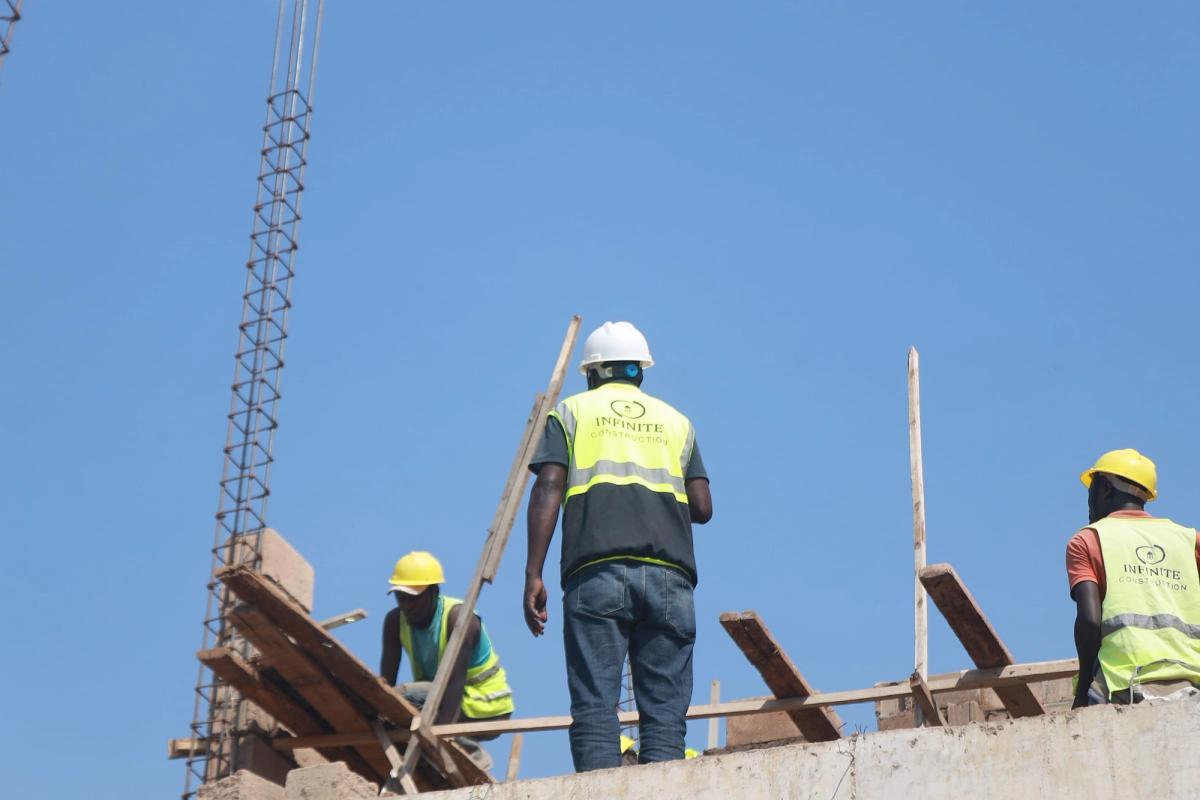
Verification shows contractors you are who you say you are. It starts with the basics, and you can unlock more as you go.
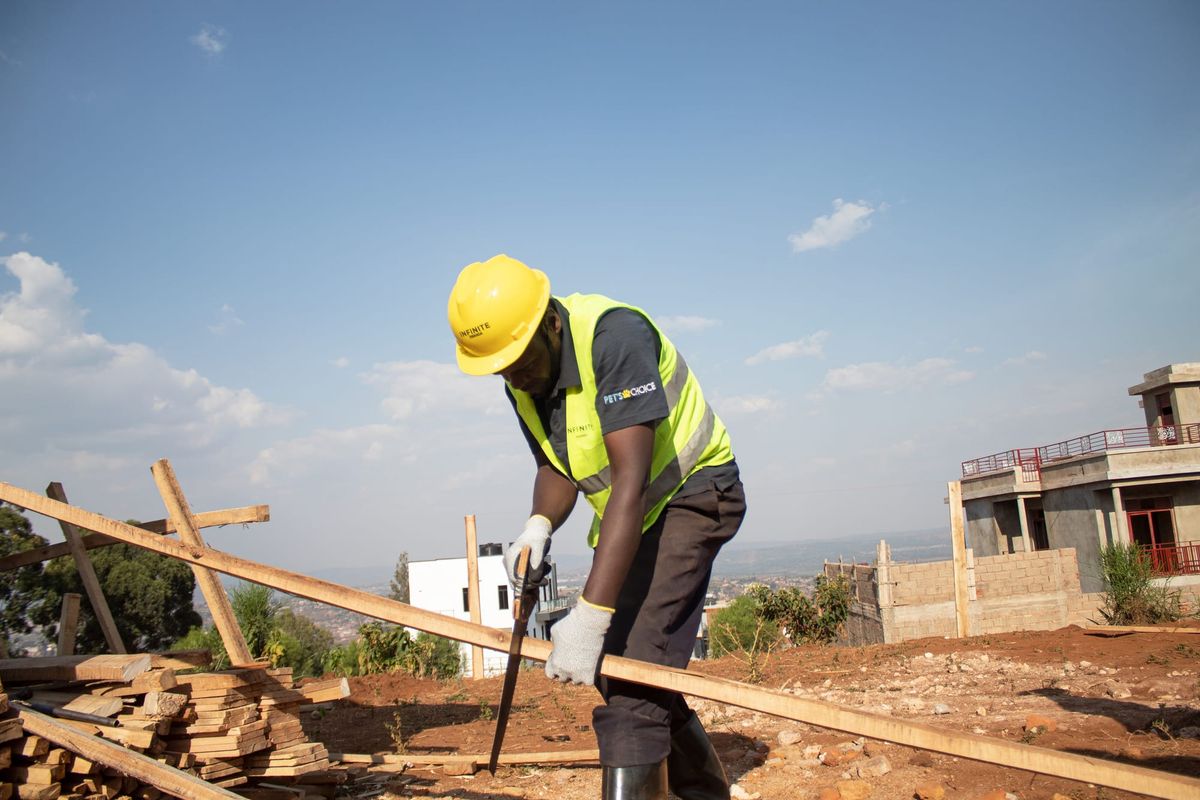
Describe your work exactly: your main trade, the other trades you do, your skills and your certificates. A precise profile brings the right offers.
When a contractor's booking fits you, you receive an offer. Here is how to read it and accept it, with the app or a basic phone.
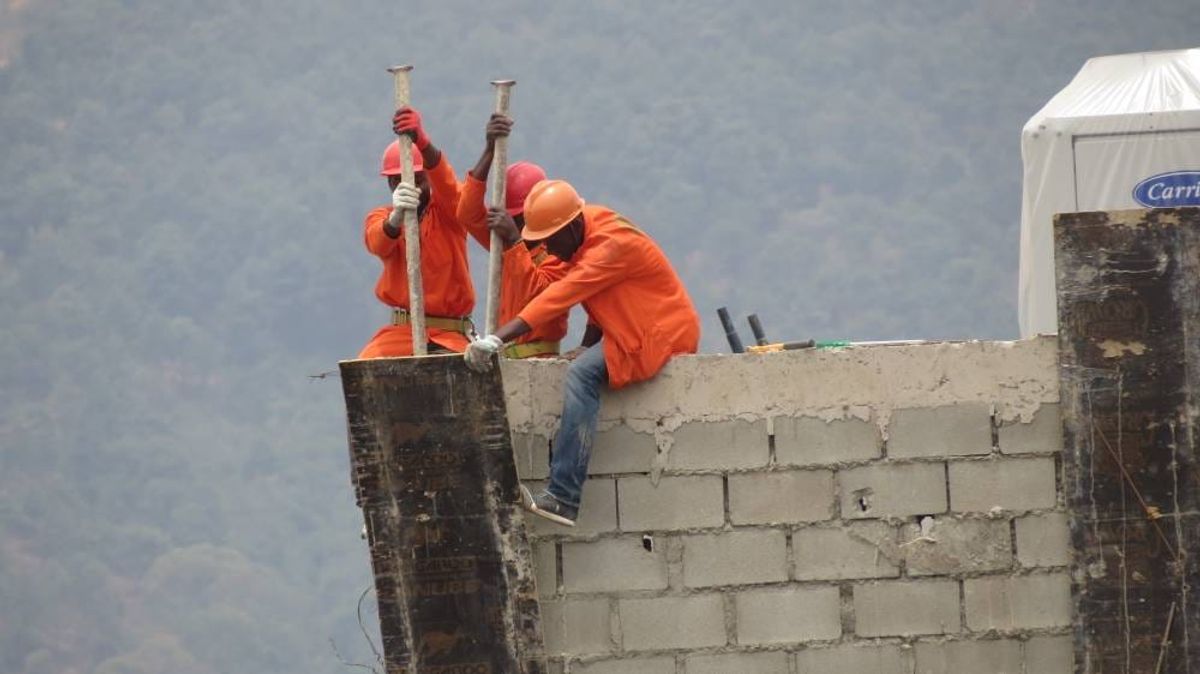
Why you get the offers you get, how long you have to answer, and what the standby list means for you.
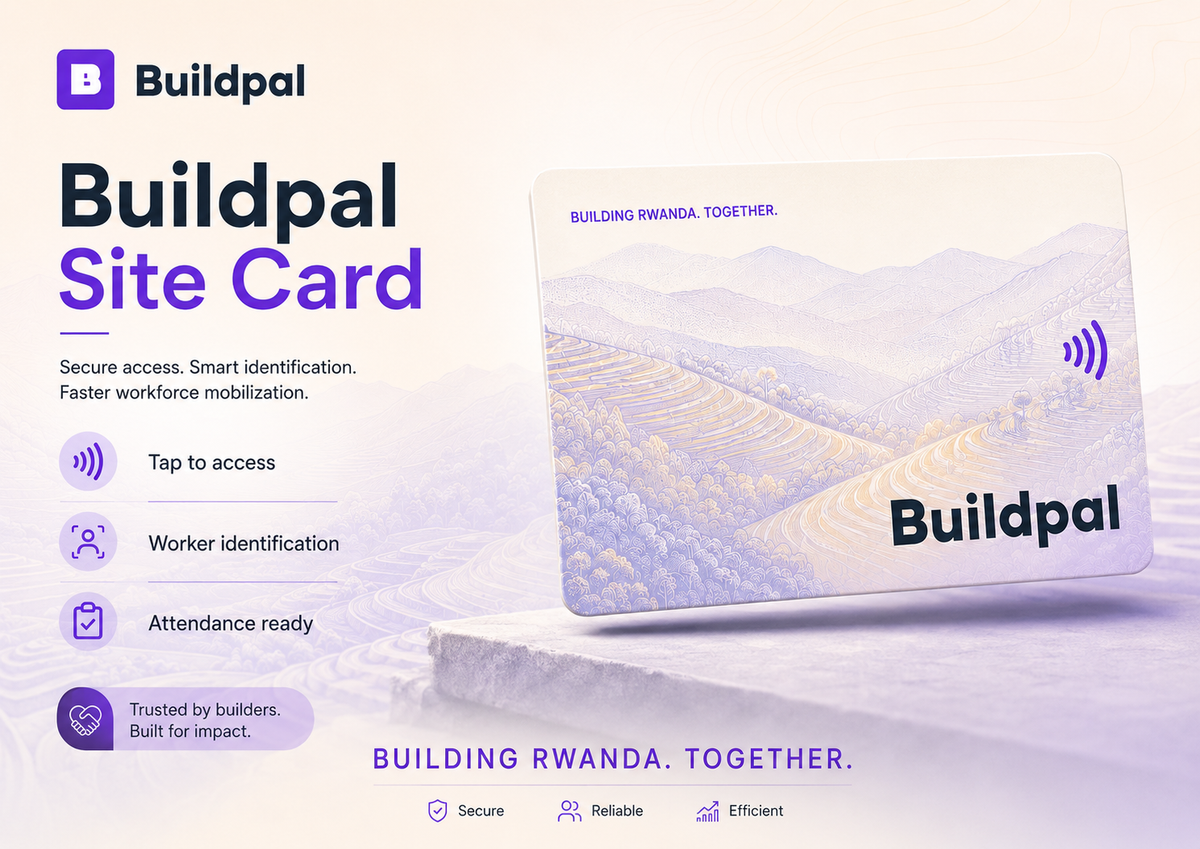
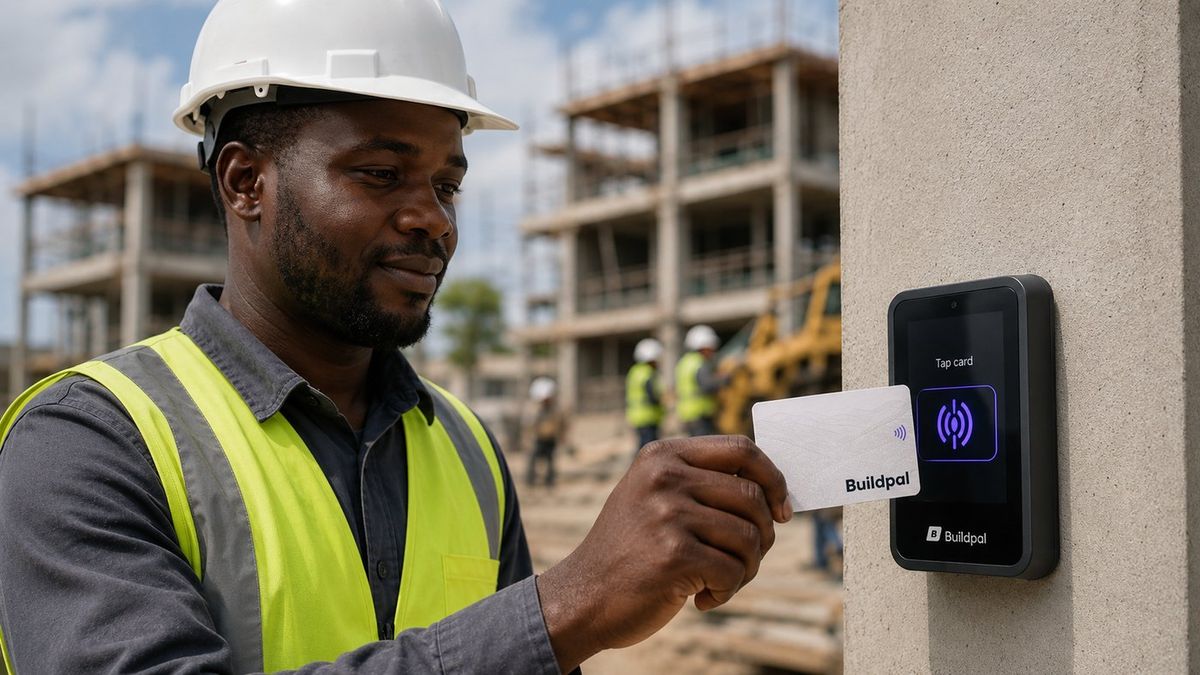
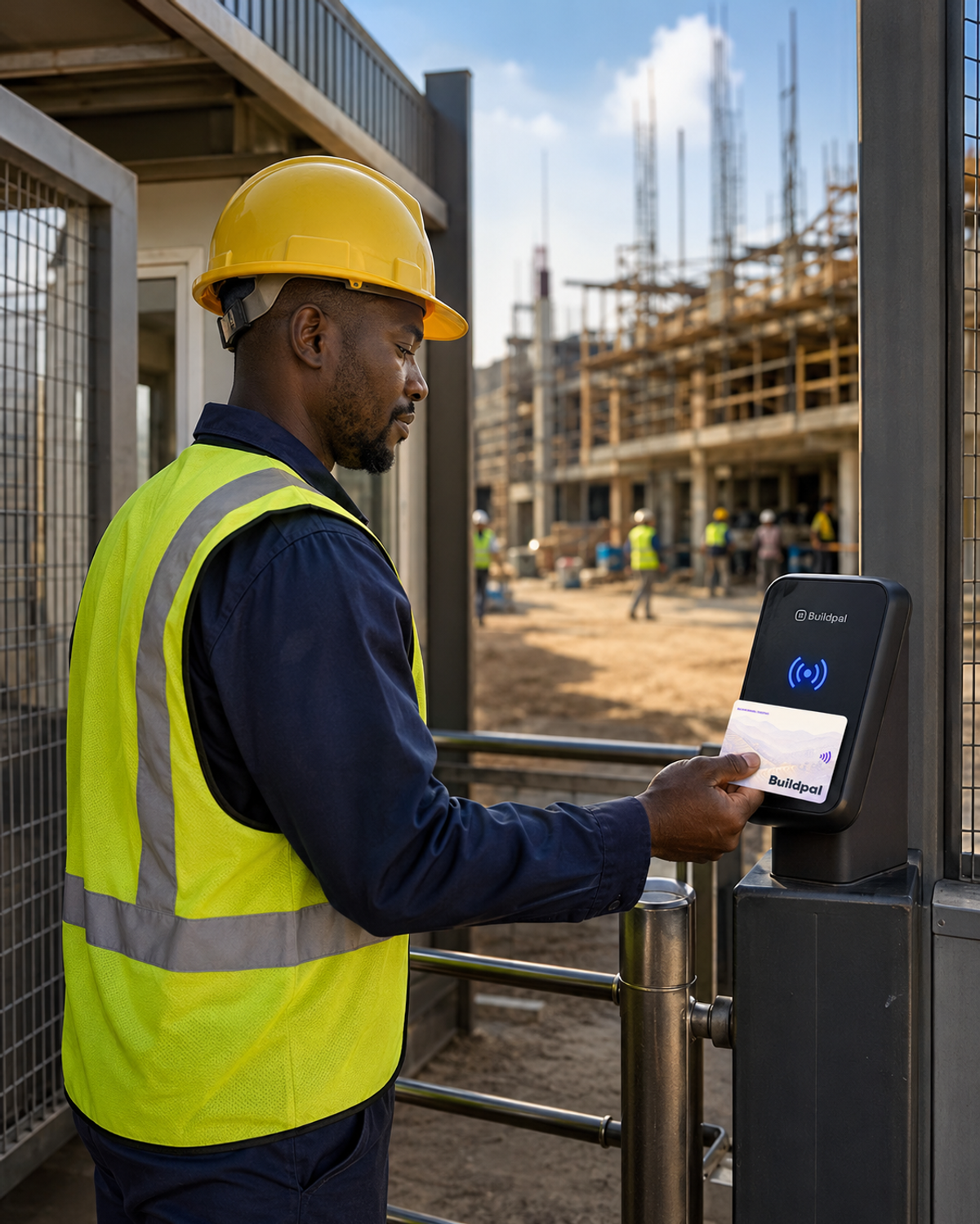
Your Site Card is how you check in at the gate. Your first card is free, it is registered to you, and it goes with you to every site.
Tap your card at the reader when you arrive and when you leave. That tap is the record your pay is calculated from.
If your card is lost, stolen or broken, report it straight away. Your old card stops working and your record stays yours.
How approved days become money in your wallet, and how to withdraw it to mobile money, with the app or a basic phone.
Your rate is published, not bargained. Here is what makes it up, and how a stronger record raises it.
Your tier, from 1 to 4, is a record of proven work. Here is what builds it, why recent work counts most, and why it moves carefully.
If a rating looks unfair or a day's pay looks wrong, you can dispute it. Here is how, and what happens next.
Staying safe comes first. Here is what to wear, what to do about danger, and what Buildpal does and doesn't change about your rights.
Everything a worker needs works on a basic phone: joining, offers, your wallet and help. Here is how, by USSD and SMS.
Quick answers to the problems people run into most.
Offers stay open for a fair window, so you can see them even when you are busy on site. When the window closes, the place goes to the next worker. Keep your phone on and your profile up to date, and more offers will come.
You can only check in at a site where you accepted a booking for that day. Check your bookings. If you think it's a mistake, tell the site supervisor.
Report it straight away so nobody else can use it. Your old card stops working, your record stays yours, and you get a replacement card.
Held money is waiting for your worked days to be approved. Once they are approved, it becomes available and you can withdraw it.
The reason is shown and the money goes back to your wallet, so it isn't lost. Check that your mobile money number is right, then withdraw again.
You can dispute a rating. It goes to moderation, and unfair, personal or retaliatory reviews are removed. One bad review doesn't define you: recent work counts most, and older ratings fade.
Update the number on your profile so offers and payouts reach you. Your record, your tier and your wallet stay the same.
You don't need one. Every worker has a profile, and on a basic phone you can receive offers, answer them and check your wallet by USSD and SMS.
The words you'll see on Buildpal, in plain language.
Tell us what's wrong and the Buildpal team will help you sort it out.