Working with no network
Sites often lose signal. Here is what keeps working offline, what happens when the network returns, and what to check if taps don't appear.
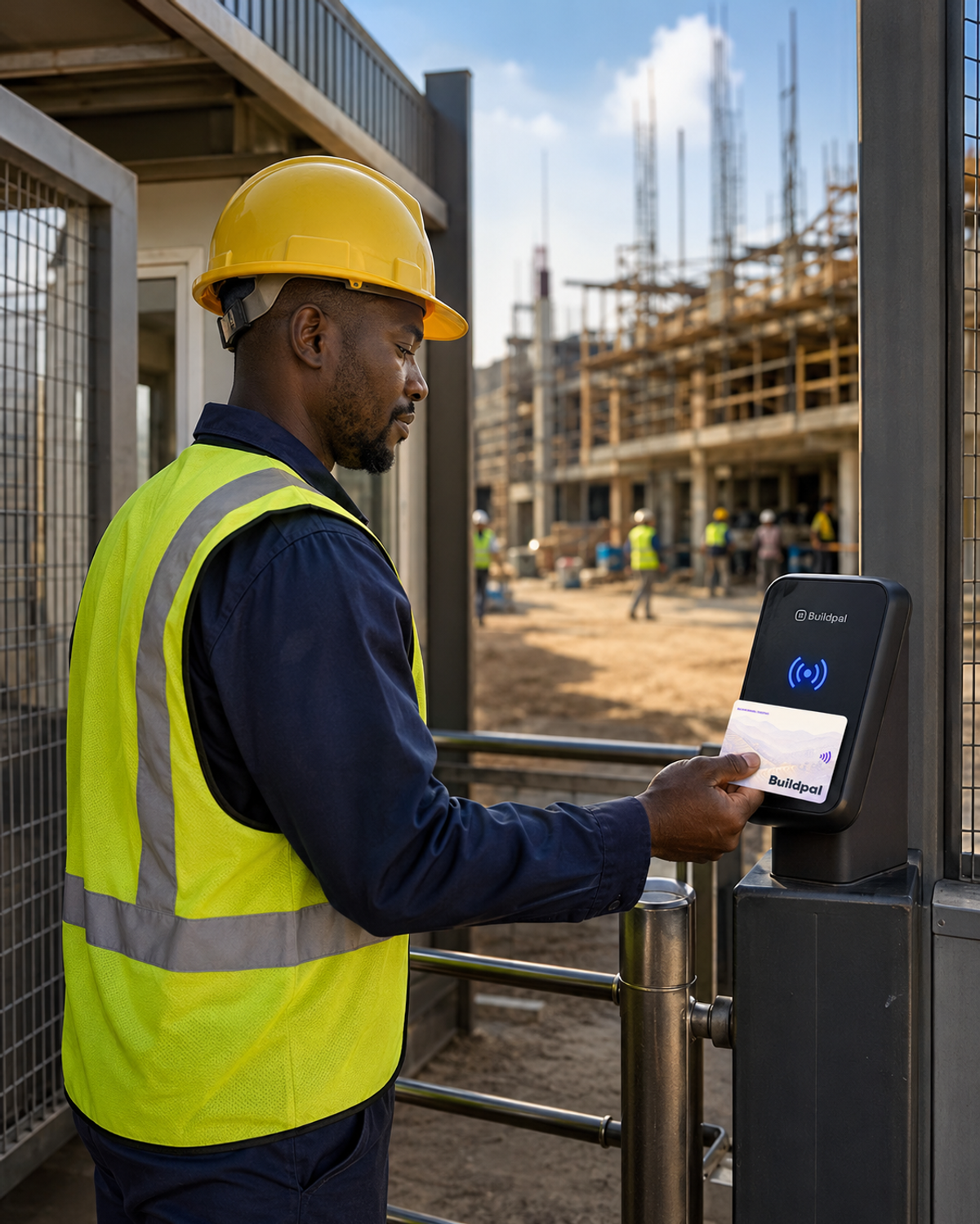
A patchy network shouldn't stop the gate or lose a day's attendance. Buildpal is built for sites where the signal comes and goes.
Readers keep recording offline
A reader records every tap even with no network, and sends them when it reconnects. The gate keeps working.
The Field App keeps working
The Field App keeps the day's check-ins on the phone when there's no signal, and sends them later.
Records catch up when the network returns
Once the network is back, offline records upload with their original times, so the day's attendance is complete and in order.
If taps don't appear
Check the reader's status. If it shows as working but taps are missing, check its power and network, then contact the Buildpal team.
Was this guide helpful?