Add a site and invite supervisors
Create each construction site once, set where it is, invite the supervisors who run it day to day and choose how attendance is captured.
- An admin login
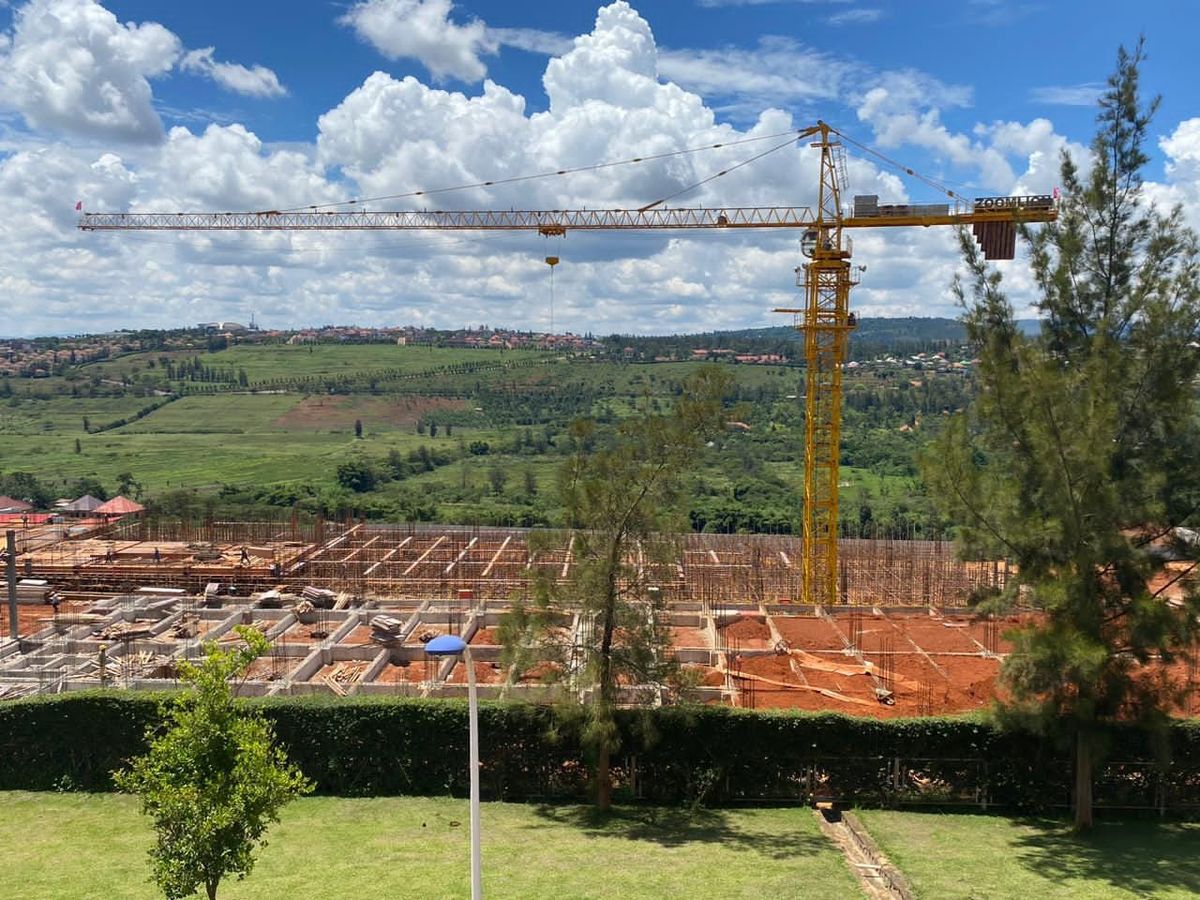
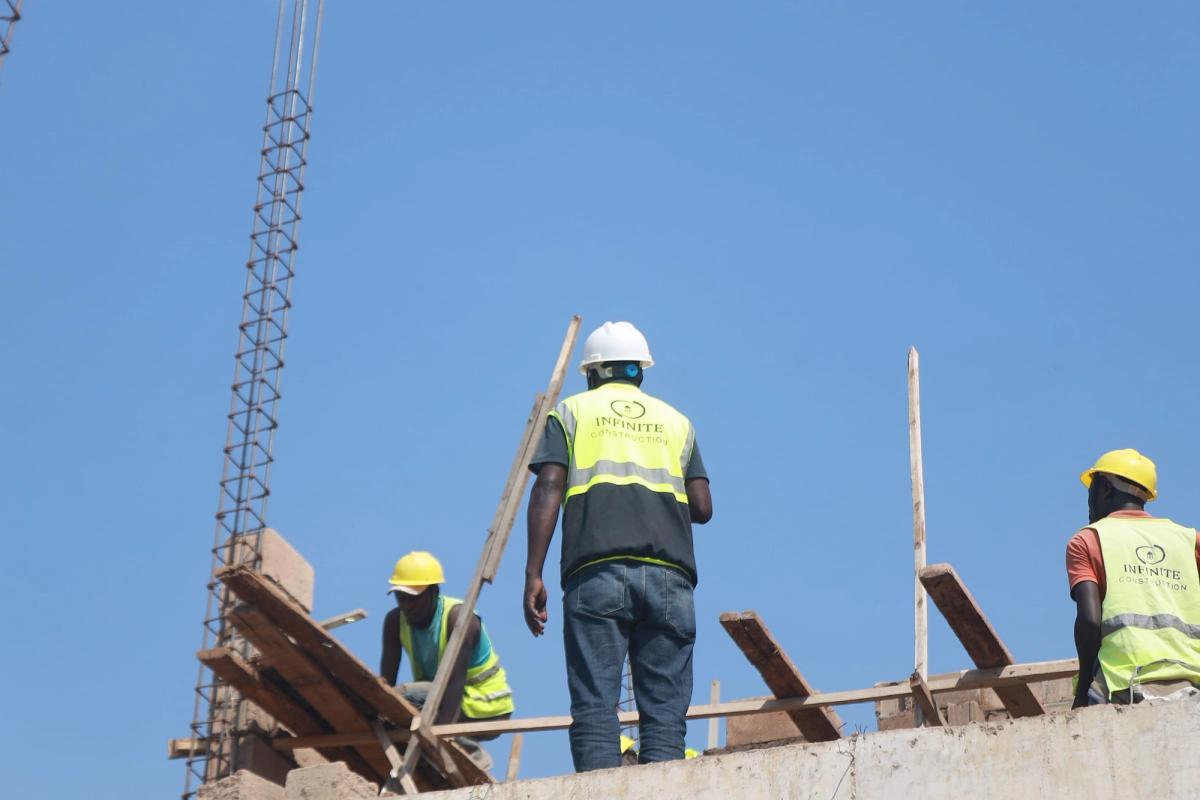
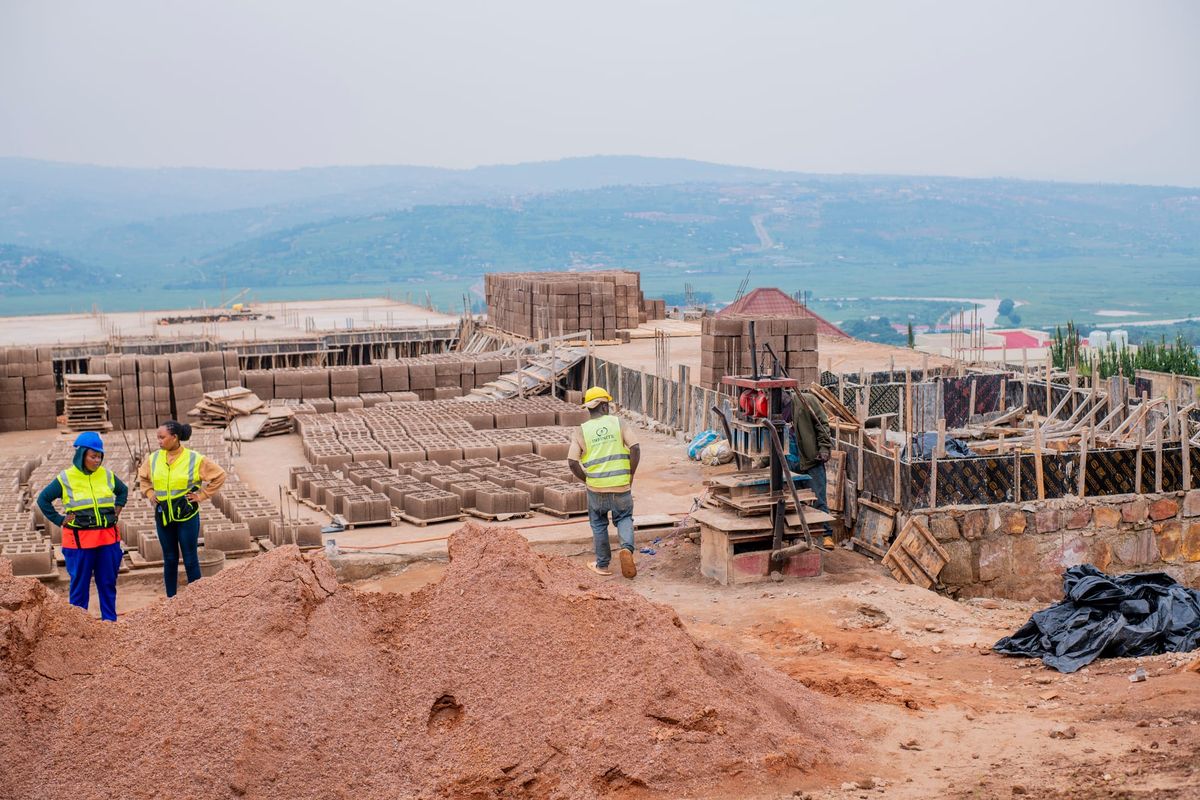
A site is the place your crews work. Bookings, attendance and approvals all belong to it, so it's worth setting up carefully once.
Add the site
Create a new site and give it the name your team already uses, so everyone recognises it on bookings and reports.
Set the site's location
Add the address or location. Matching uses it: distance to the site is one of the checks that decides which workers are eligible.
Invite site supervisors
Invite the supervisors who will run the day on site. Each one has their own login, and every monthly plan includes up to two site supervisors per project.
Choose how attendance is captured
Use Site Access readers and cards at the gate, or record attendance with the Field App. You can start with the Field App and add readers later.
With a site in place, you're ready to book your first crew.
Was this guide helpful?