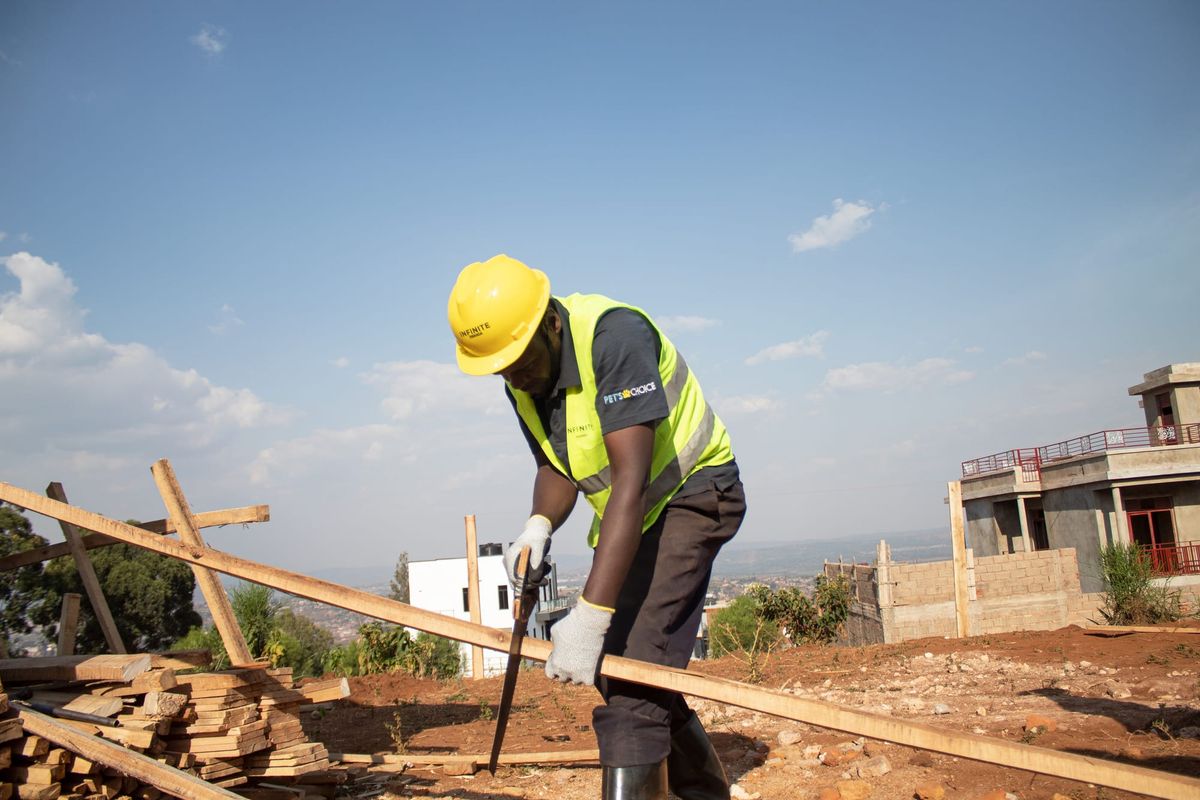
Book your first crew
Describe the work you need done and Buildpal offers it to verified workers who fit. You see who accepted before the first day starts.
- An admin login
- A site
You don't browse a list of workers and pick names. You describe the work, and matching decides who is eligible and in what order they are offered it. That keeps it fair for workers and quick for you.
Describe the work
Choose the trade, how many workers you need, the dates, the site and how long the work will last.
Tighten the requirements if you need to
Add requirements such as a certification or a minimum of experience. You can make the checks stricter than the platform's own, never looser.
Send the request
Send the booking. Verified workers who meet every requirement are offered the work in order, each with a fair window to accept.
Watch acceptances arrive
Workers appear on the booking as they accept. Eligible workers after them form a standby list, ready to fill a gap.
Confirm the crew before day one
Check the crew the day before. If the dates or the rate change after workers accept, they are asked again, so everyone on site has agreed to the same job.
Was this guide helpful?